
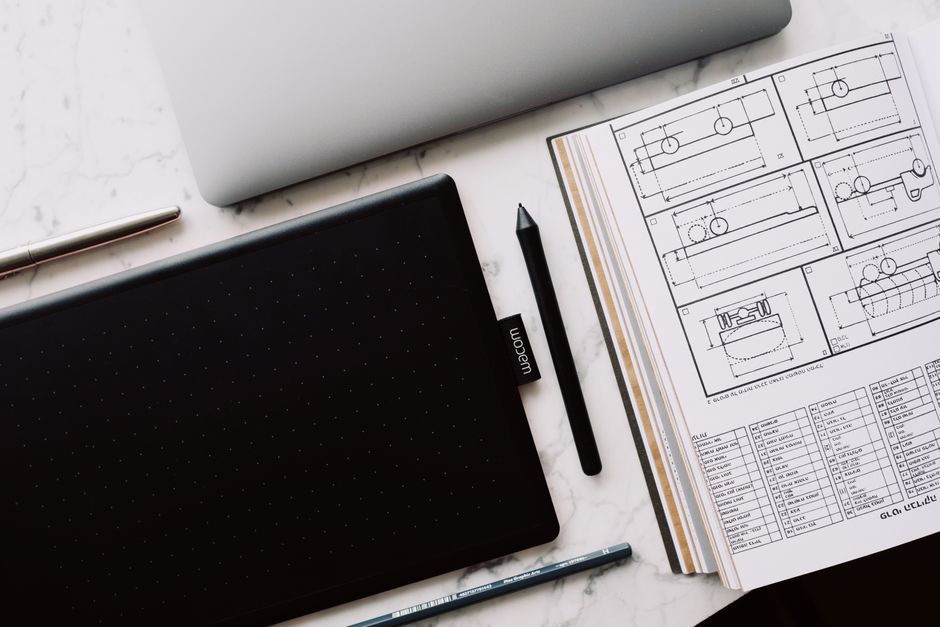
A phone blocker creates a boundary, but the reclaimed time needs a specific destination. Choose one action you can finish in a single session, define what “done” looks like, and begin it before the urge to reopen your feed finds another route.
Picture Mina, a first-year design student in Manchester, sitting at her kitchen table at 8:40 p.m. Her phone blocker has silenced social apps, her laptop is open, and a half-cut sheet of mounting board rests beside a steel ruler. Her portfolio review is the next morning, and one model still needs a photographed final panel.
She has already spent ten quiet minutes rearranging folders and sharpening a pencil. If she fails to finish the panel tonight, she will walk into the review with an obvious blank space.
The screen has gone quiet. The pressure has not.
Why an empty boundary often collapses
A blocker removes an easy behavior. It does not choose the next behavior, lower the effort required to begin, or tell you when you have done enough.
That distinction explains why comparing eight phone-blocking apps can still leave you with the same problem. Differences in schedules, lock modes, friction and overrides matter because they help defend the boundary. Once the block begins, however, you still face a chair, a table and several possible uses of your time.
“Work on my portfolio” gives Mina too much room to negotiate. She could gather references, rename files, watch a tutorial or adjust a finished page. All count as portfolio work. Only one addresses the blank panel threatening tomorrow’s review.
A useful next action has three parts: a verb, a visible object and a stopping point. “Cut and photograph the final panel” supplies all three.
Four ways to give reclaimed time a job
The simplest approach is a written handoff. Before the block starts, leave one instruction where your phone usually sits: “Read pages 42 to 50,” “Wash and put away the breakfast dishes,” or “Sketch three versions of the opening frame.” Paper works well because it cannot become another tab.
A prepared environment goes one step further. Put the book on the correct page. Open the document at the unfinished paragraph. Place your shoes by the door. This lowers the energy needed for the first movement, which matters most during the minute when your hand still expects a phone.
A timer can help when the task feels larger than the available attention. The timer should define a work container, not make an exaggerated promise about output. “Draft for 25 minutes” is honest. “Finish the whole essay tonight” may invite avoidance if the work clearly needs several sessions. A server-timed LifeQuest focus session can turn that container into full-XP progress based on elapsed server time, while keeping the countdown separate from claims about what you produced. LifeQuest Focus Sessions: What Server-Timed XP Can Actually Prove explores that distinction in detail.
A finishable quest adds a visible outcome. You manually create a quest tied to a Body, Craft, Social or Mind goal, then choose an appropriate completion method. A coding quest might qualify for GitHub push verification. A task with visible evidence might suit an in-app camera photo. When objective proof is impractical, honest self-report remains available for half XP.
That flexibility matters because proof should fit the action. A focus session can show that time elapsed. A photo can receive an AI plausibility review. Neither should claim more than the evidence supports.
Match the method to the task
Use a written handoff for small chores and reading assignments. It takes seconds, costs nothing and keeps the instruction in sight.
Prepare the environment when starting friction is the main obstacle. If you already know what to do but keep circling it, place the first tool in your hand’s path.
Use a focus session for work measured by sustained attention: revising notes, practicing scales, drafting code or studying. Keep the session narrow enough that beginning feels reasonable. The story of a 25-minute quest before a seminar shows how a bounded session can create a foothold without pretending the whole subject is mastered.
Use a concrete quest when completion leaves a clear artifact or event: one photographed drawing, one qualifying code push, one prepared meal, one call made. Define the smallest result that would make the session count.
Mina finally moves her phone into the hallway, writes “cut, mount, photograph” on a scrap of card and starts a focus session. With the review close enough to feel in her stomach, she stops polishing work that is already finished. She measures once, cuts the panel, mounts it and takes the photograph.
At 9:18 p.m., the blank space in her portfolio contains an image. The larger portfolio still needs work, but tomorrow’s missing panel no longer exists.
Decide before the block begins
Before your next phone block, name one action that can survive a strict test: could another person look at the result and tell whether it happened?
“Exercise” is loose. “Record one 60-second set of squat form” is observable, and LifeQuest can return asynchronous coaching cues without treating that feedback as proof of quest completion. “Study chemistry” is loose. “Complete five practice problems” has an edge you can reach.
Write the action down, prepare the first object you need, and choose a stopping point. Then start the block.
When the screen goes quiet, your next move should already be waiting on the table.
Comments
No comments yet.